12. To customize
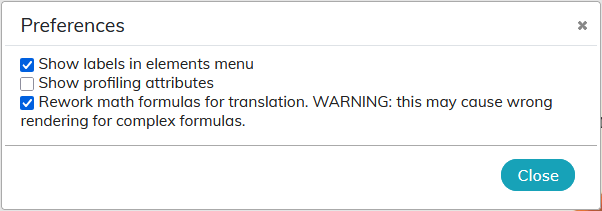
Some features of the editor allow you to customize the user interface to fit your work habits.
12.1. Menu
You can populate the menu with specific elements.
Choose menu →
A search bar helps to quickly filter elements.
Click on
 icon on the right of the element to add in the menu .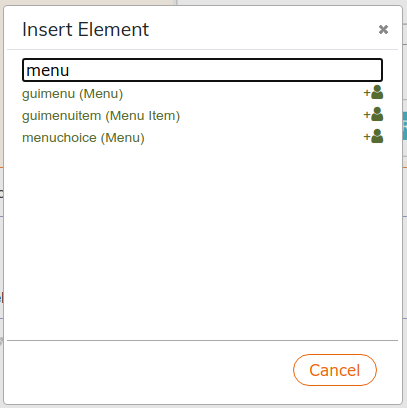
![[Tip]](cco-tip.svg)
The description of the elements is available in the DocBook guide.