Administration
User guide
1. Manage the subscription,
The customer account manager accesses the management interface via the → .
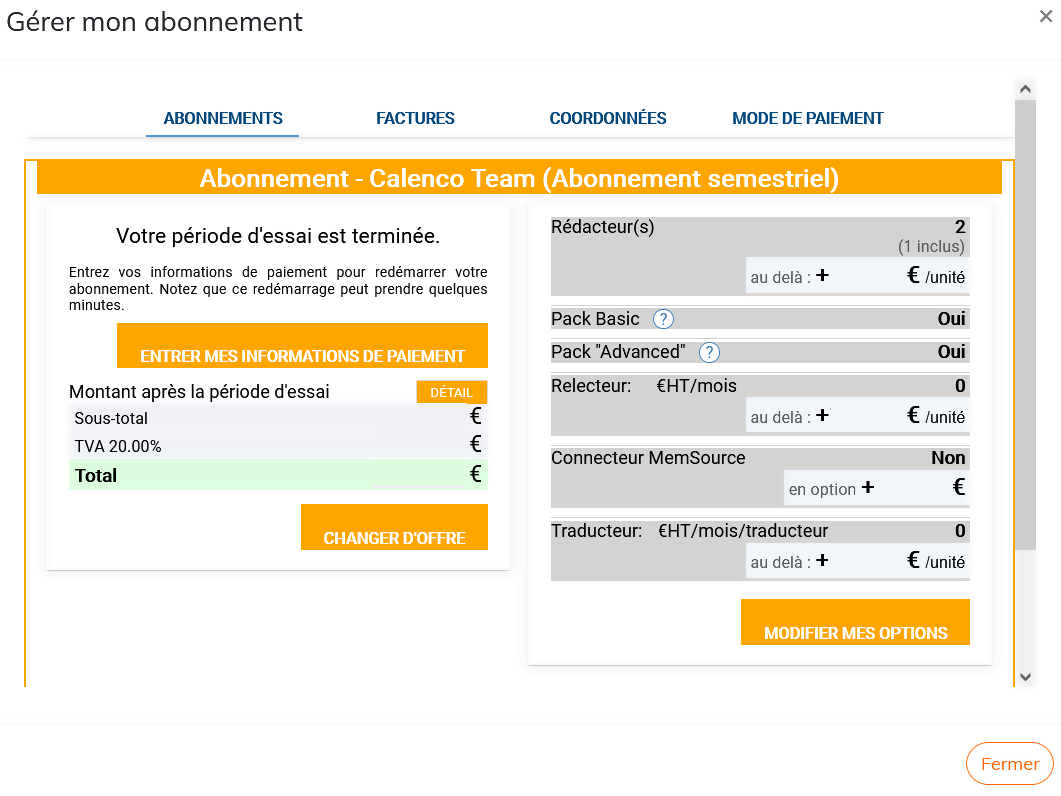
S.he can:
change current subscription options and add or remove licenses;
change the offer;
fill in billing details and payment information;
find the invoices.
![[Caution]](cco-caution.svg) | |
Deletion of licenses. The deletion of licenses in My subscription will only be taken into account if the respective users are disabled beforehand from the menu: 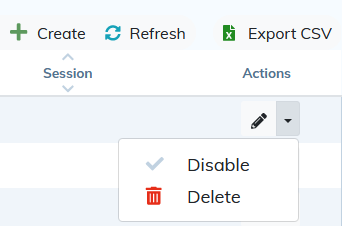 |
1.1. To unsubscribe
The Customer Account Manager may terminate the subscription at any time.
From the go to .
Remove all users assigned to the workspace affected by the subscription.

From the , click on the menu.
Click and confirm the action.