3. Portal
The portal is an operator interface that brings together several models Interactive form to create forms:
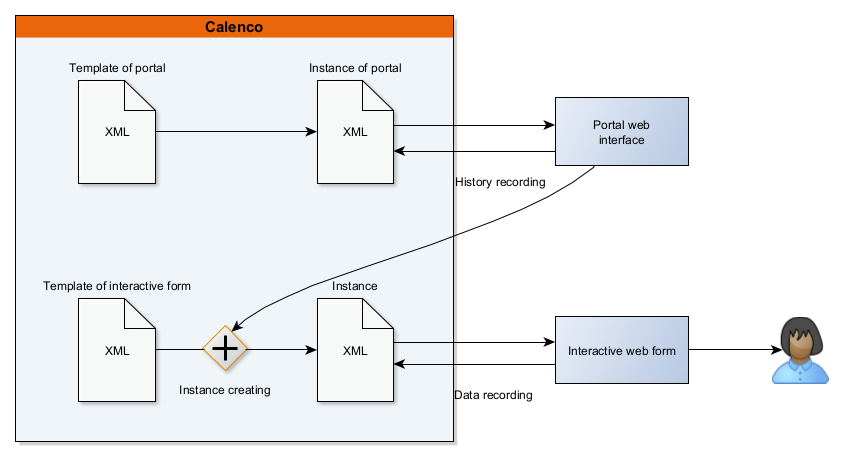
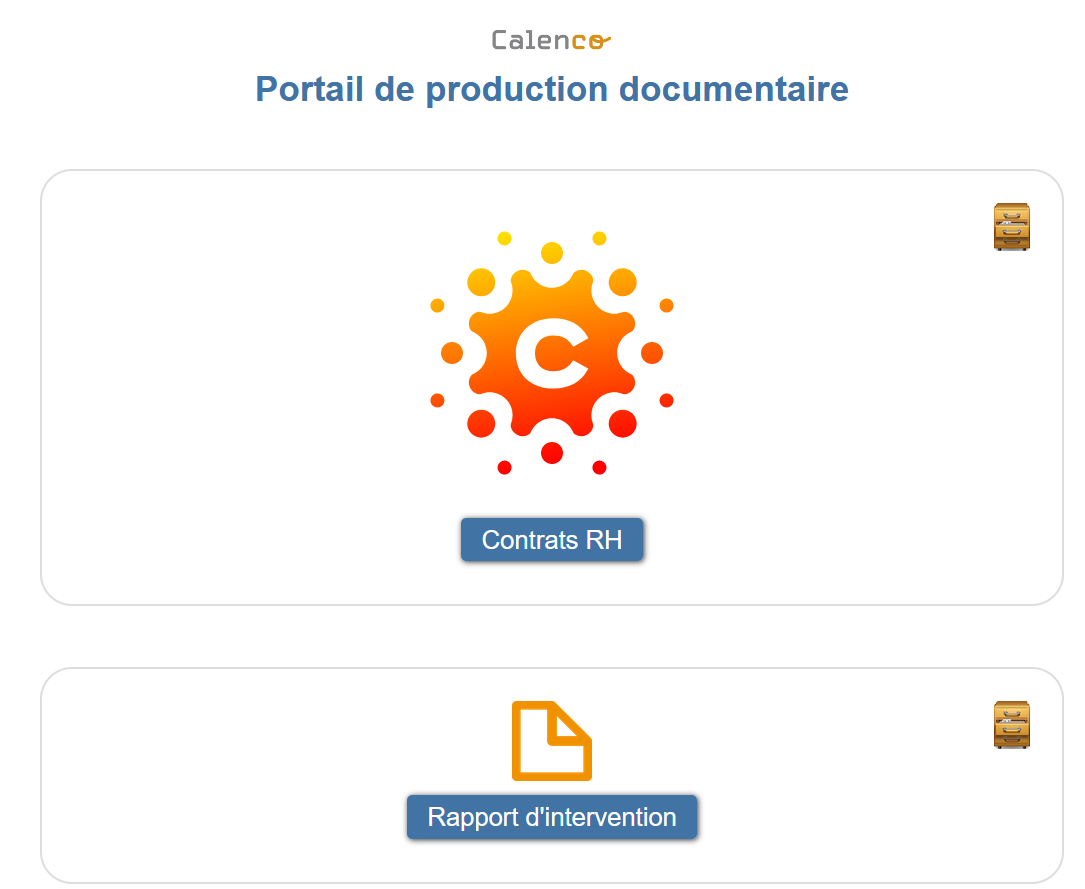
A portal lists the forms created through this in a table presented on a web page “History”.
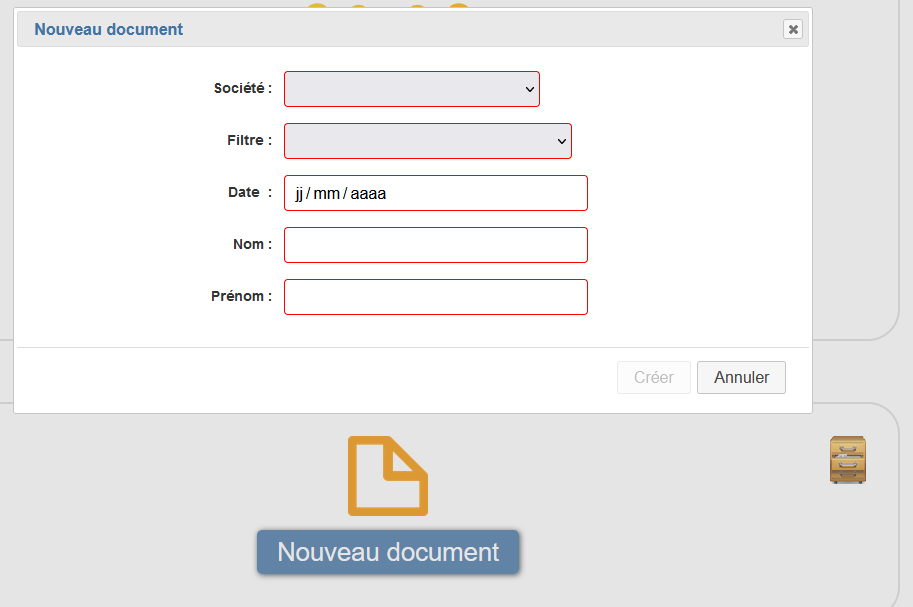
A line of this table lists the data that the operator filled in to create an interactive form (see To link a portal field to an interactive form field).
![[Note]](cco-note.svg) | |
When creating a form, a row is added to the table. |
3.1. To link a portal field to an interactive form field
Portal fields allow you to:
pre-configure a form,
link each form to historical values for easier retrieval,
provide fixed values which may not be modifiable by the operator.
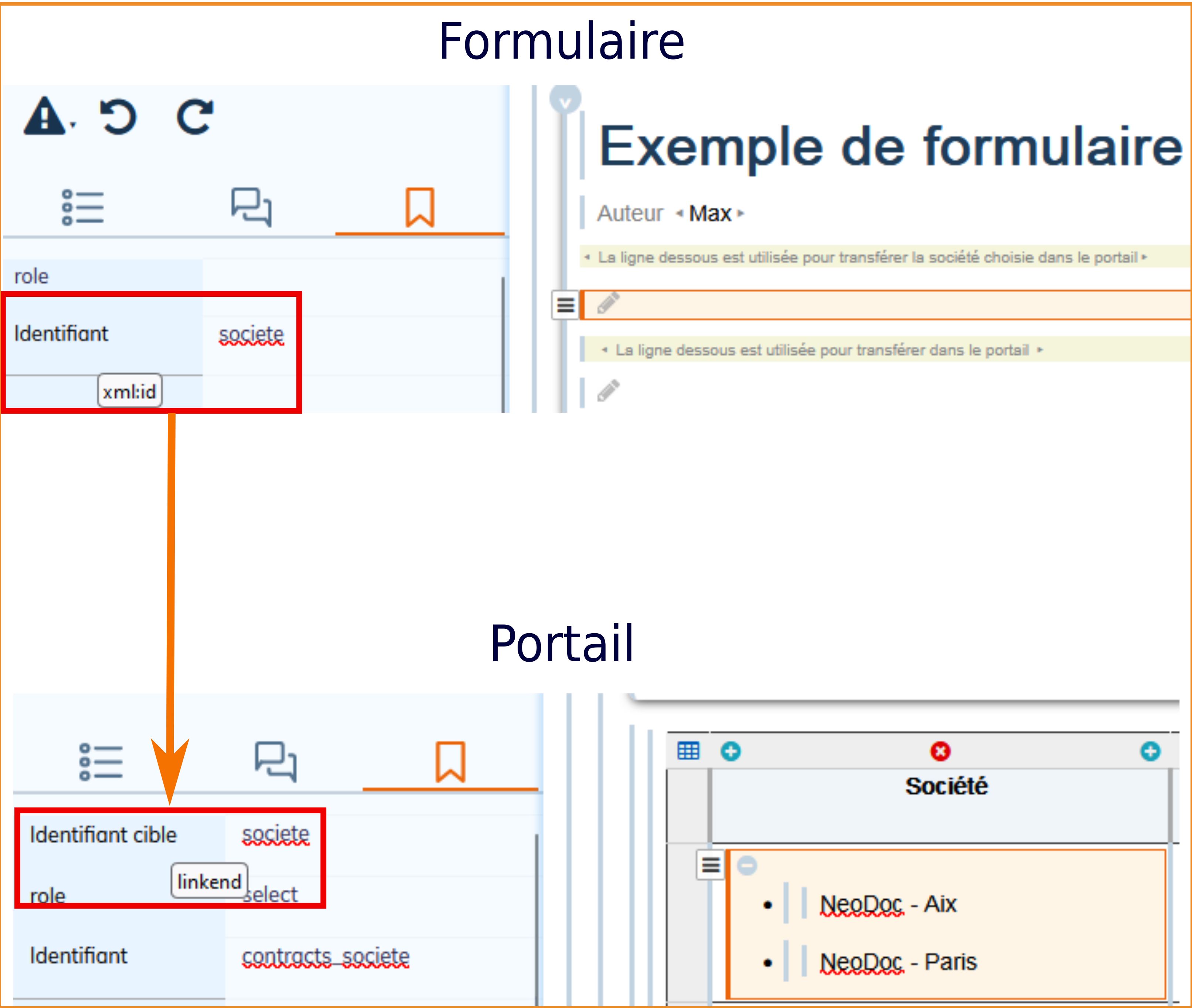
The linkend attribute of the portal element must have the value of the identifier (xml:id attribute) of the corresponding element of the interactive form.
![[Warning]](cco-warning.svg) | Limitations |
|---|---|
Saving data from the portal to the interactive form is only handled with the following elements:
It is preferable to make the entry of this information compulsory to avoid an automatic replacement of empty values by “***”. |
![[Important]](cco-important.svg) | Mapping fields between the portal and the form |
|---|---|
A list of choices or radio buttons in the portal (item The value of the option selected in the list is copied to the simple element of the form. |