This document contains instructions on how to use the new generation forms. It allows you to create a form and fill in data online or offline (without Internet access).
Forms are created from form templates stored in the workspace.
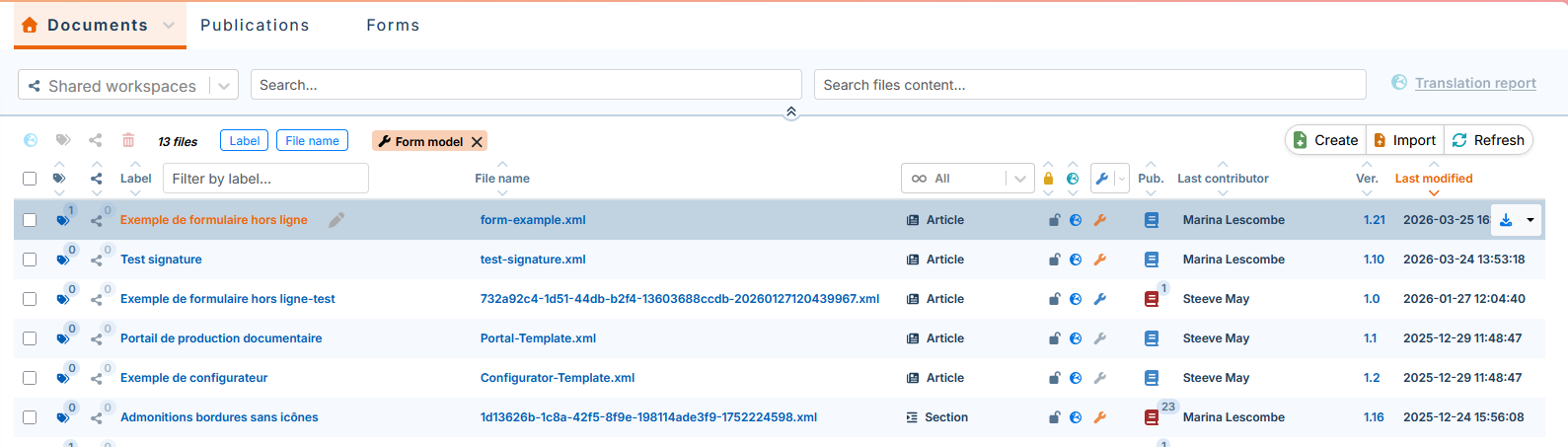
Form templates are displayed with:
Forms stored in the workspace are presented with the  clickable (if the form is not locked (see Assign a form)).
The drop-down menu of the column 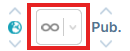 filters templates or forms:
The management of the form templates is done in Calenco by the customer account manager and/or the workspace administrator (see Manage a form template).
Form creation and data entry are done in the Calenco Forms web application by operators (see Create a form). Access to the app is available via the Forms button in the Calenco interface:
Table 1. The table below summarizes the access rights to the features related to Calenco Forms:
Calenco Forms is an optional feature and must be activated through the subscription (see Subscribe to the feature). Nevertheless, a series of actions with templates and forms are available in test mode to users without a Calenco Forms subscription. In the absence of the subscription, it is possible to:
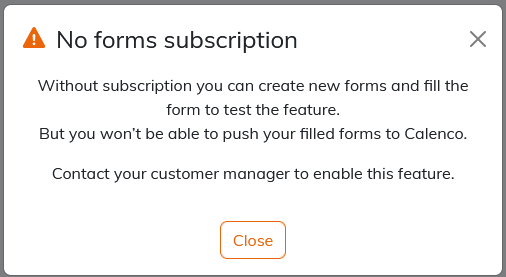
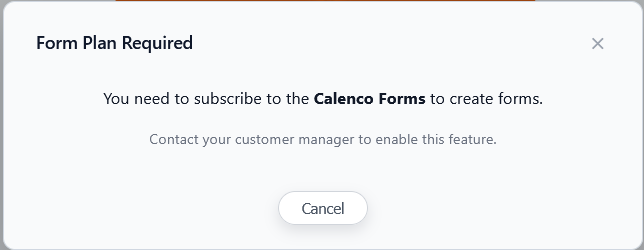
The following messages are displayed for workspace administrators and operators:
The respective message for customer account managers allows you to subscribe to this feature directly, so that all affected users can send the completed forms back to Calenco (see Subscribe to the feature).

 for disabled models (see Activate a form template) ;
 for activated models (see Activate a form template).
 for models updated in Calenco (see Edit a form template).